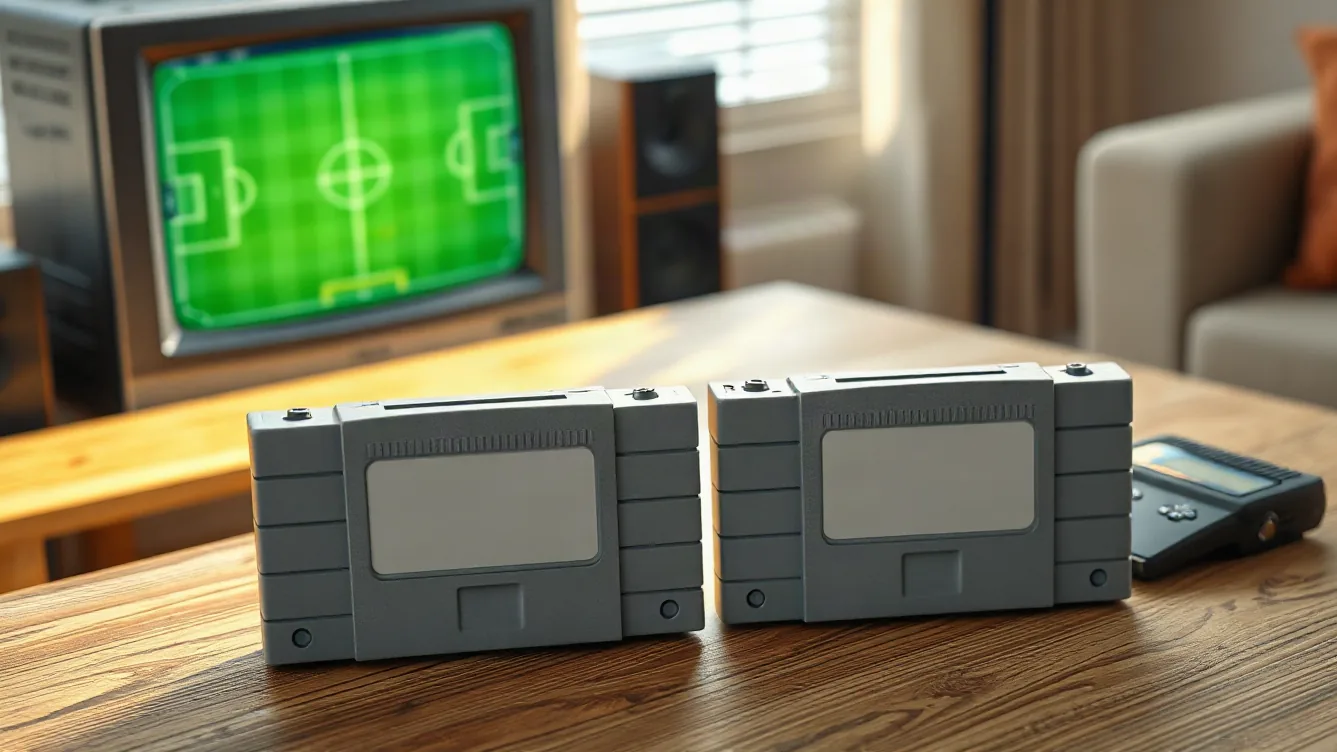
Old sports carts are great for learning how to clean and restore. You find them in cardboard boxes at car boot sales, often for less than a coffee. Baseball, football, hockey, soccer, whatever the sport, they got played hard and put away dirty. That makes them ideal practice material. Learn the basics on a cheap cartridge before you touch something rarer.
Good news: most of the work is simple. You need a few household items, some patience, and the willingness to go slow. I have brought plenty of grimy carts back to life without fancy kit. Here is the process I use, step by step.
Get your tools together first
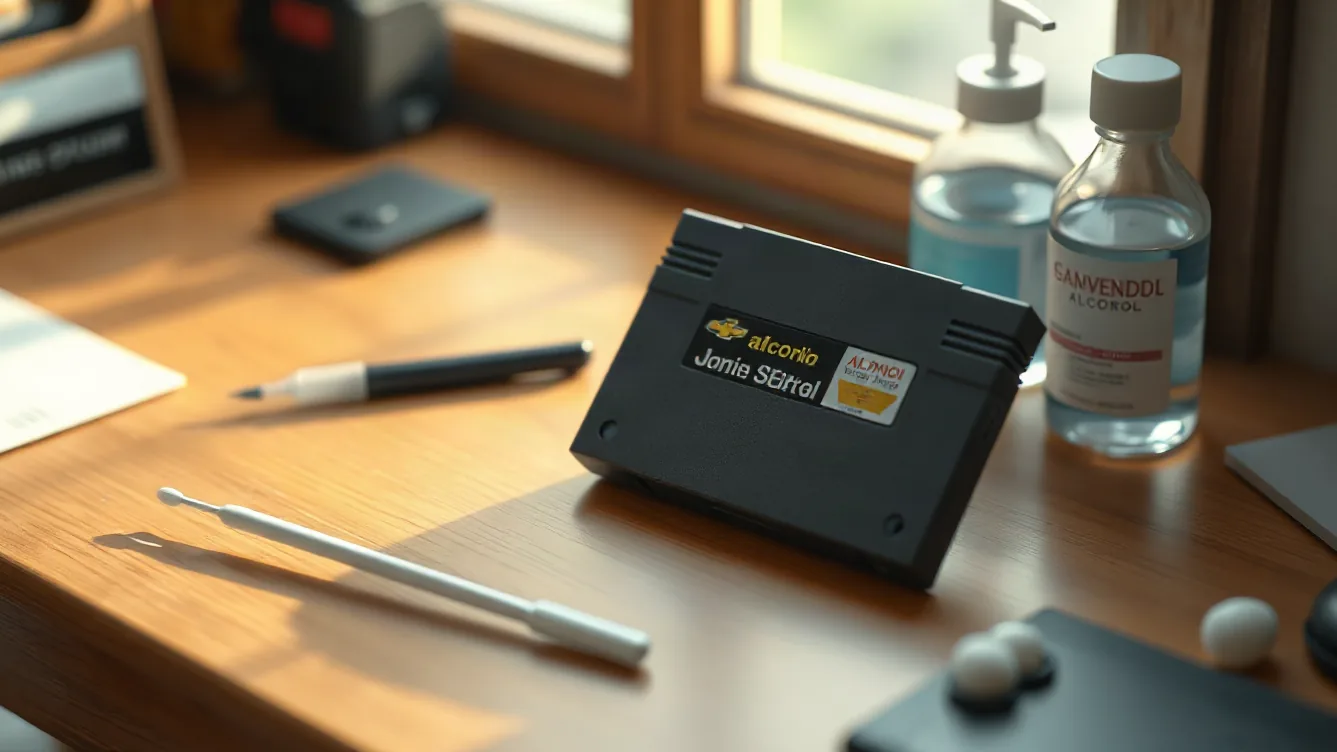
You do not need a lab. A clean workspace and a handful of supplies cover most jobs. I keep a small box with everything in one place so I can grab it when a new cart turns up.
- Isopropyl alcohol, at least 90 percent. Go higher if you can, because it evaporates fast and leaves less residue behind.
- Cotton swabs and a soft microfiber cloth.
- A toothbrush with soft bristles, kept for cleaning only.
- A game bit screwdriver if you plan to open carts. Buy one made for the job, not a modified tool.
- A pencil eraser for light cleaning on the contacts.
- Mild dish soap and warm water for plastic shells, used sparingly.
- A small amount of adhesive remover for sticker residue. Put it on a cloth, not straight onto the label.
Skip abrasive pads, acetone, bleach, and anything that promises to melt away grime. They can strip plastic and ruin labels. The cart is older than most of your other electronics, so treat it that way.
Clean the contacts first
If a game will not boot, the contacts are almost always the reason. Dust, finger oils, and oxidation build up on the edge connector. You can usually see a dull film or dark lines. That is what you are removing.
- Pull the cartridge out of the console and look at the gold contacts. If they look dirty, start with a dry cotton swab. Wipe from the edge inward, not across the pins.
- Dip a fresh swab in isopropyl alcohol. Shake off the excess so it is damp, not dripping. Wipe each contact with a gentle back and forth motion. Use a new swab when it turns grey.
- For stubborn spots, rub lightly with a pencil eraser. Go with the pin, not against it. Blow away the eraser crumbs before you put the cart back.
- Let the cart dry for a minute. Alcohol evaporates fast, but give it time. Then test the game.
Do not pour alcohol into the cart or dunk the board. You are cleaning the surface, not bathing it. If the contacts are badly worn or scratched through the gold, cleaning will not fix that. It needs a replacement or a professional repair. For most sports carts, though, a swab and a bit of patience does the trick.
Labels need a gentler touch
Labels are paper and glue. Water and heat are bad for them, and rubbing makes it worse. I have seen people destroy a decent cart by scrubbing the label with a wet cloth. Do not do that. Start with a dry soft brush or a microfiber cloth. Brush from the center out. If there is a light smudge, breathe on it and wipe gently. That is usually enough.
What not to use
No nail polish remover, no alcohol on the label, no magic eraser. Those will take ink off. If a sticker is stuck on top of the label, warm it with a hair dryer on low for a few seconds, then peel slowly. If it resists, stop. Leave it alone. A torn label is worse than a sticker.
A clean cart with a worn label is still a playable cart. A pretty cart with a ruined label is a regret.
For a loose bit of adhesive on the plastic, put a little adhesive remover on a cloth and dab it. Keep it away from the label edge. Wipe with a clean damp cloth after.
When the shell is yellowed or scratched
Yellowing is common on old plastic. UV light and age cause it, and you cannot wash it off. The retro community uses a process called retrobrighting with hydrogen peroxide and sunlight. It can work, but it is a project. Rush it and the plastic can go brittle or uneven. I only bother with yellowing on display pieces. For a player's cart, a clean shell is enough.
| Problem | Safe fix |
|---|---|
| Dirt in the grooves | Soft toothbrush with a little soapy water, then dry |
| Sticker residue on plastic | A cloth with a small amount of adhesive remover |
| Light scratches | Leave them. Plastic polish can make things worse if you are new |
| Yellowed shell | Retrobright only if you accept the risk, or leave it |
Scratches on the shell are part of the history. I would rather have a cart that looks used than one that has been sanded and polished into a different shape. Keep your expectations realistic.
If the cartridge still won't boot
You cleaned the contacts and the game still gives you a black screen or a garbled logo. Do not panic. Try these checks before you assume the worst.
- Test the console with a game you know works. The problem might be the console, not the cart.
- Clean the console's cartridge slot. A folded business card with a light spray of contact cleaner can help, but be gentle.
- Open the cart and check the board for obvious damage. Look for cracked solder joints or a broken battery, if the game has one. Sports games from the 16-bit era often use save batteries that are now dead.
- Reseat the cart a few times. Sometimes the connection just needs a firmer push.
If you find a dead battery, replacing it takes soldering. That is a step up from cleaning. Practice on a junk cart first. A sports cart with no save battery is a good candidate for learning, since you are not risking a rare game.
Why keep sports carts in your collection?
Sports games get a bad reputation. They are common. They are cheap. They often sit in bargain bins. That is exactly why they are great for learning. You can practice cleaning, opening carts, and even battery replacement without much risk. I keep a small stack of them as test carts. If I ruin one, I am out a couple of pounds, not a paycheck.
Once you get a few clean and working, they are also fun to play. The pick-up-and-play nature of old sports games holds up. If you want a place to start, our guide to the best retro soccer games for beginners is a good companion. Clean the cart, test it, and see what you think. That is the whole hobby in a nutshell.
Retro gamer and collector who has been playing sports games since the Mega Drive days.